
A Smart Meter, a P1 Port and a Few Misadventures
What should have been a routine meter replacement turned into a first exploration of the P1 port, local access to energy data and the possibilities offered by a few connected devices. With, naturally, a couple of misadventures along the way — and a certain Home Assistant eventually making an appearance.
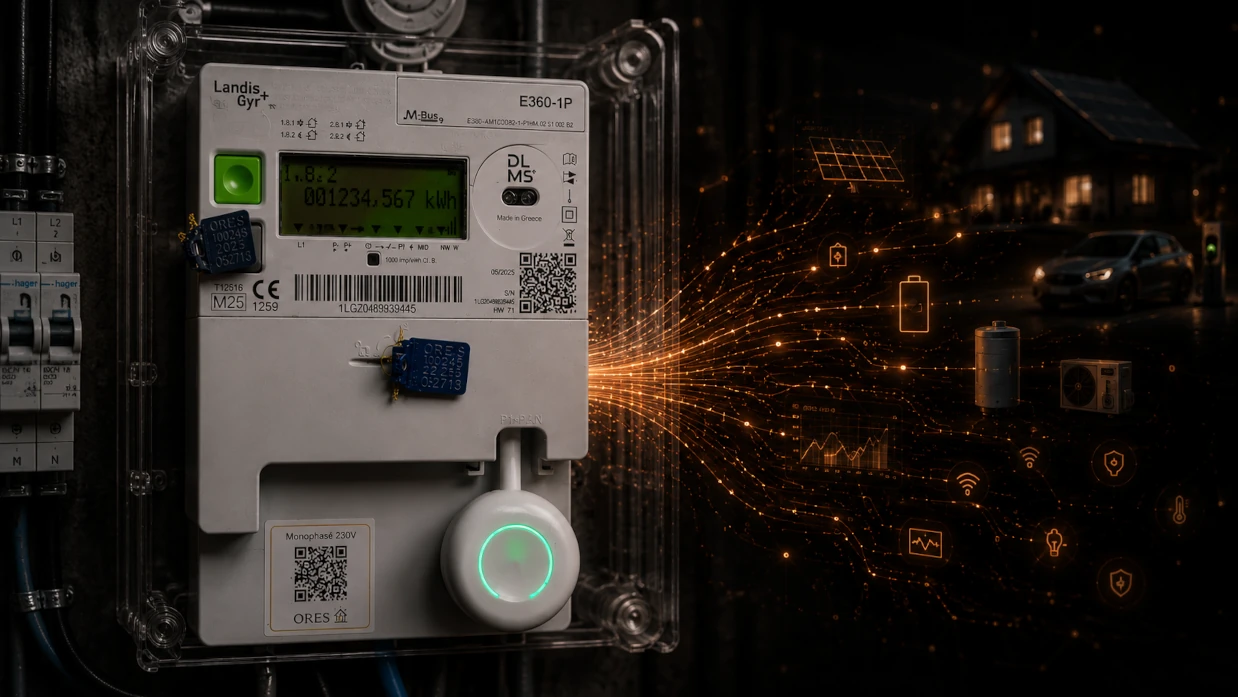
In the first chapter of my home automation project, I explained how the announcement that my electricity meter would be replaced with a smart meter had prompted my first round of research.
I soon discovered the P1 port: an interface that lets you retrieve data directly from the meter using a small dongle. Naturally, I wanted to try it. But before I could plug anything in, I first had to get the meter installed.
There. If you're wondering how a simple meter replacement could possibly justify an entire article, read on.
What happens to the meter running backwards when you have solar panels?
When my meter was replaced, I already knew that I would retain the benefit of the compensation scheme for my photovoltaic installation. But the question comes up regularly in Wallonia: does getting a smart meter mean losing the famous meter that runs backwards?
Not necessarily. And it's worth understanding why.
For photovoltaic installations certified before 1 January 2024, the compensation scheme generally remains in place until 31 December 2030, even when an electromechanical meter is replaced with a smart meter.1
With the old meter, electricity fed back into the grid physically made the meter reading go backwards. A smart meter measures consumption from the grid and electricity fed into it separately. The meter no longer runs backwards, but eligible installations still benefit from compensation when their annual bill is calculated: exported kWh are deducted from imported kWh.2
Be careful not to confuse this mechanism with the prosumer tariff, which relates to the cost of using the electricity network. With a smart meter, these charges can be calculated from actual grid consumption, subject to a cap equivalent to the flat-rate tariff for installations that still qualify for compensation.3
New installations certified from 1 January 2024 onwards no longer qualify for compensation: electricity exported to the grid can instead, for example, be sold to an electricity supplier. Certain changes to older installations may also cause them to lose eligibility, such as increasing their capacity beyond the permitted thresholds.2
In short, replacing the meter does not automatically end compensation. What matters is the installation's certification date and its particular circumstances. If you're thinking of changing your solar installation or electricity contract, it's best to check the implications with your distribution network operator.
First things first: have the P1 port activated
A date is set for replacing my old meter. Meanwhile, my research reveals a small but important detail: the P1 port needs to be activated before you can use it.
I might as well ask for it to be activated during installation. In my case, that was free. However, according to the information I had at the time, doing it later would require another visit and cost €25. Even though I wasn't sure I'd ever actually use it, the decision was easy.
Activate it.
Worst case, I'd never plug anything into it.
I did wonder why the port wasn't simply enabled by default. More on that later.
Around twenty euros? Worst case...
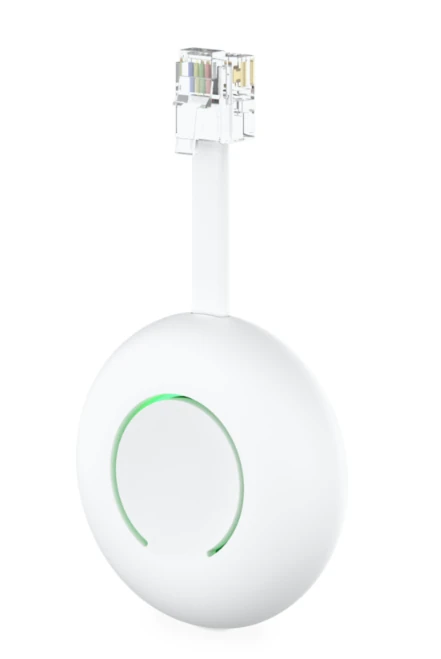
I'd also started looking into what I could connect to this mysterious port. I came across the HomeWizard P1 Meter, which cost around twenty euros. At that price, my reasoning was fairly simple:
Worst case, if it's useless, I won't have wasted a fortune.
HomeWizard offers a whole ecosystem around its product: an app, smart plugs, a small display for viewing the data... So I order the dongle. And a smart plug. Why the plug? Well, mainly...
To see what it could do.
All this before the new meter had even been installed.
The big day
The day finally arrives. My appointment is scheduled for... sometime between 9 a.m. and 5 p.m. An eight-hour window. I briefly wonder how people who can't work from home are supposed to manage, but never mind.
Around 12:30 p.m., the doorbell rings: the technician is here. I tell him I'll open the garage so he can get to the meter, and that's when the first surprise arrives. He explains that he needs to inspect my existing meter first to see whether he has the necessary equipment to replace it. At that moment, I think to myself that my network operator really has its logistics sorted out.
He looks at the meter, then heads back to his van. A minute later, the verdict:
He doesn't have it.
And he isn't even sure the required equipment is available at the depot. I'm a little puzzled. He says he'll update me during the afternoon and leaves.
Second attempt
Around 3 p.m., my phone rings. Good news: he's found the equipment and will be back in half an hour. A sigh of relief.
He arrives, I move my motorcycles to give him enough room to work (I'm nice like that), and the operation begins. He cuts the power, removes the old meter, installs the new one, replaces the seals...
...and realises he's forgotten to activate the P1 port. So he removes the seals again, partially dismantles the meter, activates the port, reassembles everything and replaces the seals.
This time, we're done. Well, almost.
Because inside the house...
there's still no electricity.
The technician assures me there is:
— Your computer is working.
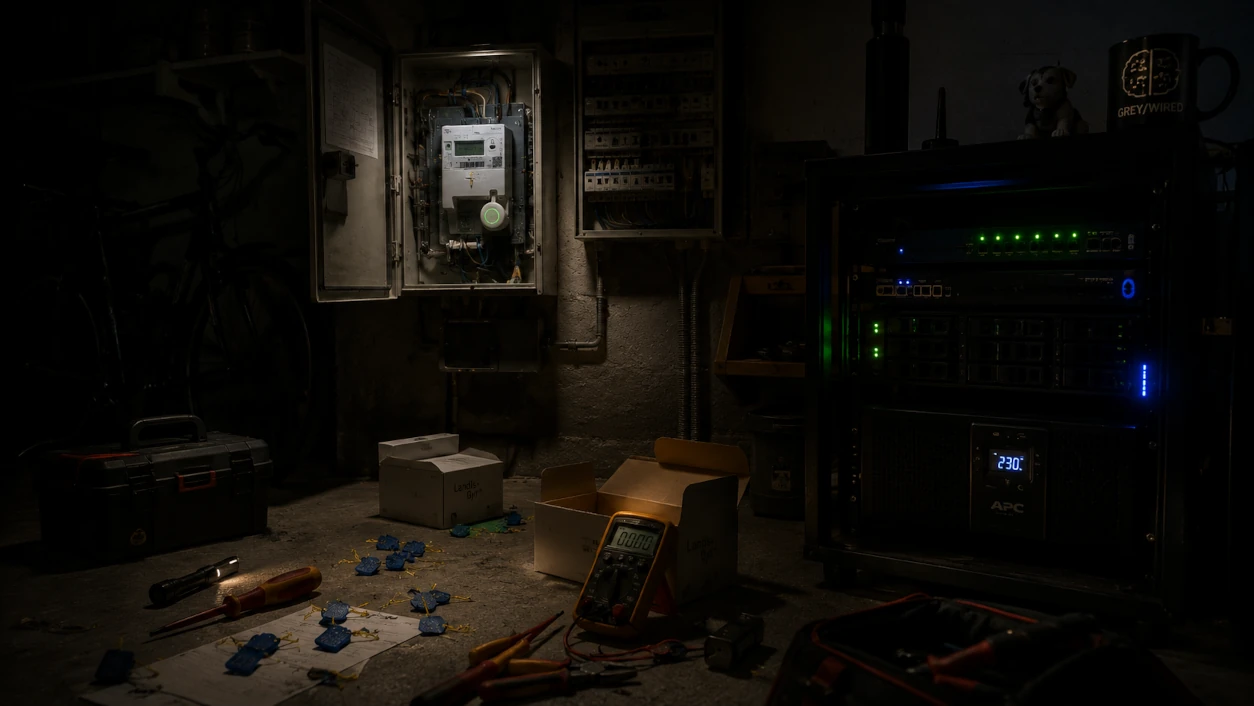
True, the little home server in my garage is still running. But it's connected to a UPS, an uninterruptible power supply that keeps it going during an outage. So I show the technician that no, the house really has no power. He goes a little pale.
Meter number two
Everything comes apart again. The technician suspects a fault with the new meter and fetches another one from his van. Second meter, reassembly, seals, activation.
Still nothing. No power.
At this point, I suggest measuring the voltage directly at the meter's output with a multimeter. An awkward moment: yes, that would be ideal... but he's lost his. An electrician without a multimeter.
— Don't worry about that. I've got multimeters coming out of my ears.
So I go and fetch one myself. In the meantime, the technician dismantles things yet again and removes another set of seals to reach the output terminals. We take the measurement: there is voltage at the output. So the meter is working. We check the electrical panel: nothing unusual.
Then I think of the solar panels. Hang on... Let's check their protection device.
Bingo.
It had gone into protection mode during the work. Thinking about it, that made perfect sense.
Power finally returns throughout the house. The technician can put everything back together and apply one last set of what must now be very familiar seals.
I don't know whether I just happened to draw a particularly gifted technician. But if every meter replacement goes like this, migrating the entire meter fleet could take a while.
But why isn't the P1 port enabled by default?
The question had been nagging at me since my initial research. Why install an interface that gives consumers access to their data, only to leave it disabled?
One of the reasons given by ORES is data protection. Once the port is activated, the information it supplies becomes accessible locally, and the network operator has no control over what the connected device does with it.
In some circumstances, I can understand the argument. If several meters are installed in a shared room that different people can access, leaving all their P1 ports enabled could allow someone to connect a device and retrieve data that doesn't belong to them.
In a detached house like mine, though, I'm far less convinced. My meter is in my garage. To connect something to its P1 port without my permission, you'd first have to get into my house. At that point, I probably have rather bigger security problems than the privacy of my electricity consumption data.
But fair enough.
To me, there's an extremely simple way to preserve the principle of consent while still giving consumers a meaningful choice:
Ask them during installation.
And, above all, explain what the port can do, rather than burying a mention of a mysterious “P1 port” somewhere in a leaflet. Imagine being told this when your meter is replaced:
We can activate your P1 port today. You may have no use for it right now, but later it could allow you to connect a device to monitor your consumption locally, optimise EV charging, control a home battery, or make better use of your solar production and a possible dynamic electricity tariff. Would you like us to activate it?
The answer can absolutely be no. But at least it will be an informed decision.
I'd actually be curious to know the activation rate if the P1 port were presented this way. Because when someone asks whether you want a “P1 port” activated without explaining what it does, the most natural answer is probably:
No, I don't need it.
Fair enough: you've literally just learned it exists.
As soon as I understood its potential, I passed the information on to my neighbours, whose meters were also due to be replaced. My advice was simple:
Have it activated.
You might not see the point today. In a year or two, with solar panels, a battery, an electric car, dynamic pricing or simply a desire to understand your electricity consumption better, that could change.
Worst case, you'll never use it. The port will sit there with nothing connected, and it won't affect your everyday life in the slightest. Best case, you'll avoid another visit and, in my case at the time, the accompanying €25 fee.
It's hardly revolutionary. It's simply the sort of information I wish I'd been given with the meter.
Not every installer seems to handle it the same way
Here's a little anecdote that joined this story much later. During a conversation with a neighbour, I ask about his meter replacement and whether anyone had explained the P1 port and its potential uses during the installation.
His answer: yes. Not only had they told him about it, he'd subsequently installed... exactly the same HomeWizard dongle.
Now that's interesting. First, because his experience was different from mine: apparently not all installers approach things the same way. And second, because this neighbour isn't particularly tech-minded. He hadn't spent hours poring over smart meter documentation before the technician arrived. Someone presented him with an option, he understood its value, and he used it.
That's just one person's experience, of course, and you can't draw broad conclusions about installation practices from it. One other detail: in his case, the work had been carried out by a French subcontractor rather than an ORES technician. Does that explain the difference? I have no idea.
But the anecdote reinforces my impression: when people are shown what the P1 port can actually do, some discover that it might be useful to them after all.
Which is exactly my point. I'm not suggesting that everyone's port should be activated without asking. Maybe all that's needed is to ask the question — and provide enough information for the answer to mean something.
The next day: toys at last
The following day, my HomeWizard P1 Meter and the smart plug I'd ordered with it arrive. And, like a big kid who's just been given new toys, I'm not going to wait before trying them out.
I plug the dongle into the P1 port, install the HomeWizard app on my phone, and after the usual few Wi-Fi pairing steps, everything is configured.
Five minutes later, I had my meter's data on my phone.
And when I say five minutes, I'm probably not exaggerating much. For anyone who's paired a few connected devices with Wi-Fi before, there's nothing particularly difficult about it. The hardest part was probably pushing the dongle firmly enough into the P1 connector. Seriously.
Then I configure the smart plug I bought at the same time. Again, nothing complicated. And it's while playing with it that I realise it's far more interesting than I'd expected when I ordered it.
Of course, you can switch it on and off remotely. But it also reports all sorts of information about the device connected to it: instantaneous power, voltage, current, energy consumption...
Well, well...
On one side, I now have the P1 Meter showing me the electricity consumption of the entire house. On the other, a plug that lets me measure exactly how much power a particular appliance uses. And control it, too.
That wasn't really why I'd bought it. But now that I knew, I was going to have to do something with it.
“Real-time”, you say?
There's still something bothering me. What interested me in the first place was getting real-time consumption data. But in the app, updates don't seem quite as instantaneous as I'd imagined.
The P1 port on my meter provides data at intervals of around one second. In the app, though, updates take longer: at least five seconds from what I've observed, and I couldn't find any documentation specifying the refresh rate. For supposedly “live” monitoring, that's a little less convincing.
So I take a closer look at how the P1 Meter works. And I discover something that's going to earn HomeWizard a considerable amount of goodwill from me.
The dongle exposes an API directly on the local network.
There's no need to go through the manufacturer's app or a remote service to retrieve the information: I can query the little device sitting in my own home. Thank you. Seriously. I love manufacturers who still manage to make reliable and open connected devices without deciding that users must go through their cloud to access their own data.
And inevitably, my brain starts putting the pieces together. On one side, whole-house consumption. On the other, a plug that can measure an individual device's electricity use and switch it on or off.
Can you see where this is going?
So can I.
I'm going to write some code
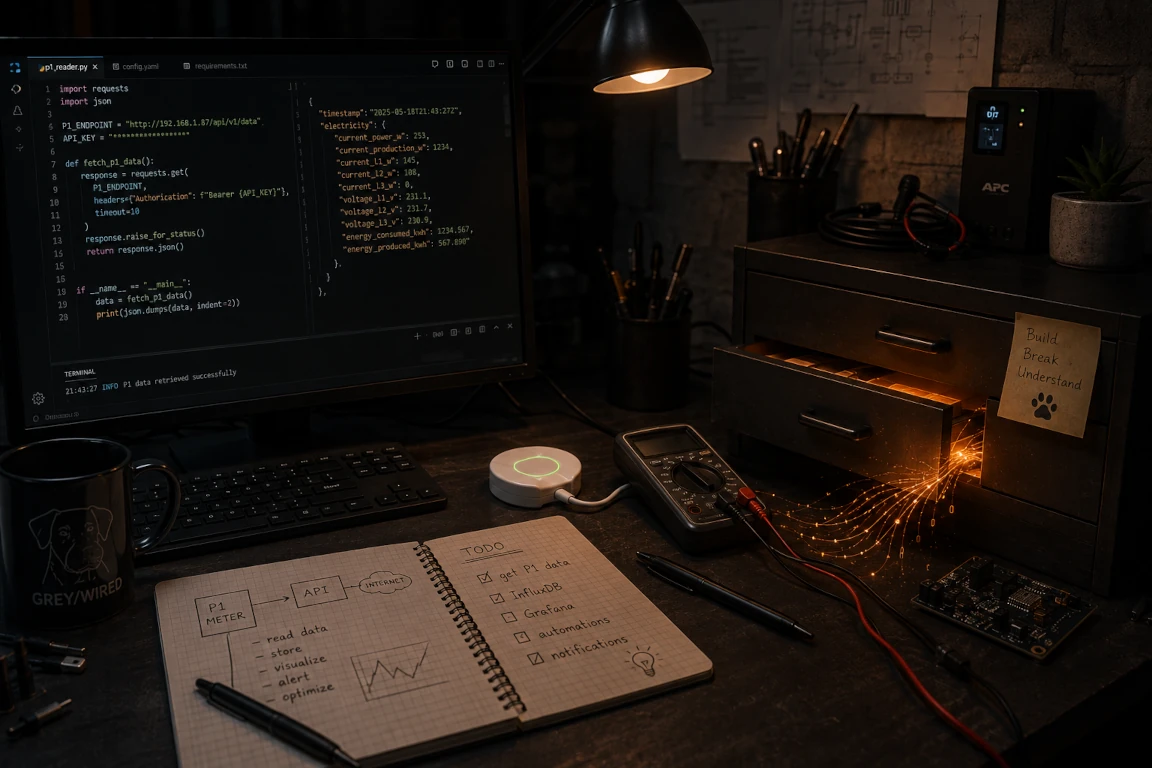
My first instinct is fairly predictable.
I'm going to write some code.
A little application to query the P1 Meter, collect consumption and production data, perhaps monitor the energy use of a few individual devices, and control the plug according to some rules. Nothing too complicated. On paper, anyway.
So I start looking at what's already available for HomeWizard products, particularly how to communicate with that smart plug. And fairly quickly, I come across something interesting: the HomeWizard ecosystem integrates very easily with something called Home Assistant.
Home Assistant? What's that supposed to be?
...
Can you see that little drawer that's just opened? Because behind it, apparently, there were a great many more things waiting to be discovered.
And I think that deserves an article of its own.
Updates
- 2026-10-12: added explanations of photovoltaic net-metering compensation and the prosumer tariff in Wallonia, with references to official sources.
- 2026-10-11: minor edits to improve the flow of the text.
Comments
No comments yet.
Add a comment