
Home Automation: Think Before You Connect Your Home
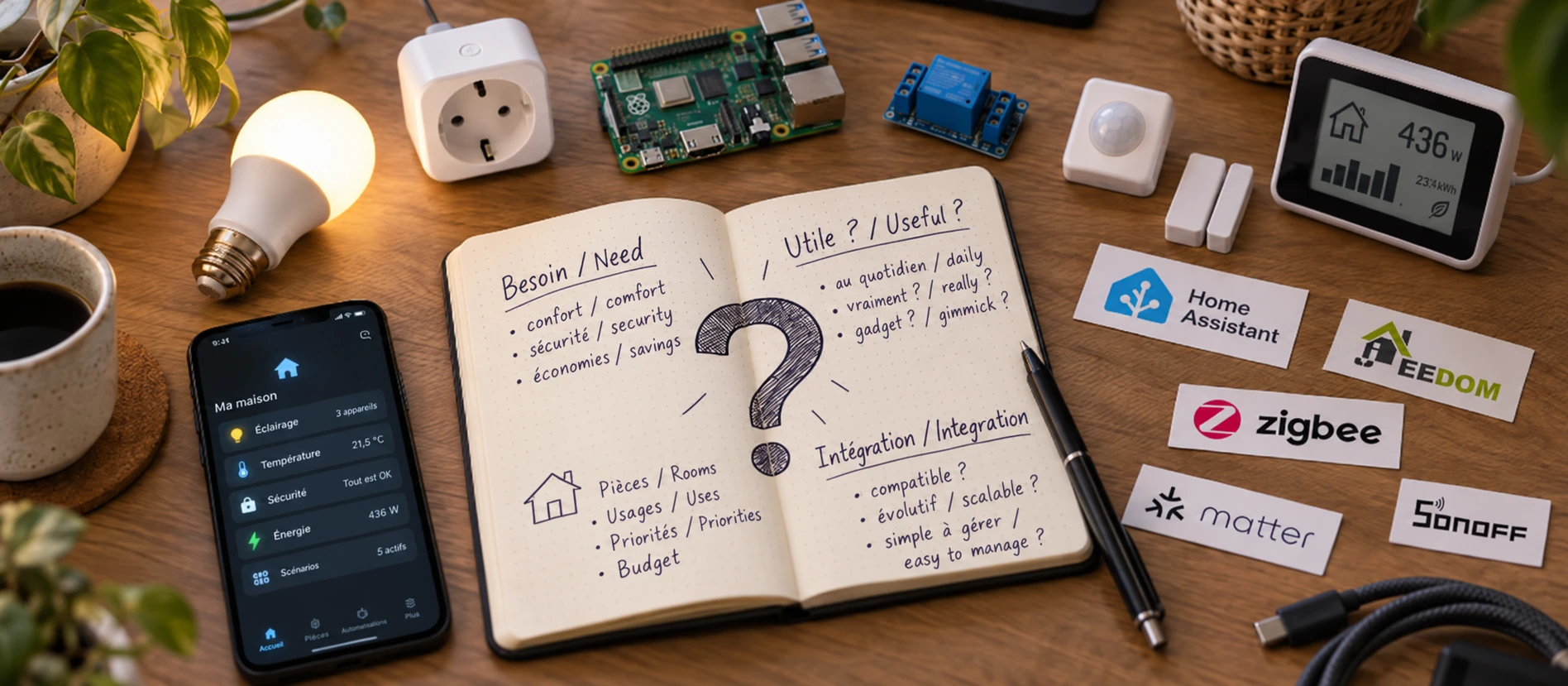
My real start with home automation is actually quite recent. I'm still discovering a great deal, and I'm far from considering myself an expert. But these past few months have led me to a few reflections I wish I'd had earlier.
For years, I tried various connected devices, on and off. Lamps controlled by infrared, remote-controlled sockets, then LSC bulbs that could be driven from a smartphone app.
Each time, the enthusiasm quickly faded. Replacing a switch with a remote control, or taking out your phone to turn on a lamp, was hardly progress. These experiences had pretty much convinced me that home automation was just a gimmick.
And then, almost by accident, a simple change of electricity meter changed how I saw things.
I wanted to better understand my electricity consumption. The new meter and its P1 port gave me access to more precise measurements. Little by little, I discovered Home Assistant and began exploring what it could do. I told this story in this article about the smart meter and, more broadly, in the project Domotisation de notre maison.
This time, the approach was different: I was starting from a need, not from a connected device bought out of curiosity.
Start with a need, not a gadget
If I had to advise someone who wants to discover home automation today, I'd first suggest identifying one small, concrete problem.
Better understanding your electricity consumption, avoiding a light being left on needlessly, automating the lighting when you get home...
The goal hardly matters, as long as it answers a real wish or need.
Buying two Wi-Fi bulbs to control from a smartphone can be fun, but if it forces the whole family to change their habits, the benefit is questionable. By contrast, Sonoff modules1 properly installed behind existing switches let you keep your usual gestures: you turn on the light as before, and the automation simply comes on top. That is the whole point of starting from a need: comfort is added, with nothing imposed.
One precaution all the same: this kind of installation involves mains voltage (230 V). Always switch off the power at the circuit breaker and, if in any doubt, call an electrician.
Mind you, I have nothing against gadgets, quite the contrary! I still buy or tinker with devices myself just for the fun of experimenting. But there is a difference between playing with a connected device to discover a technology and trying to build a home automation setup that is genuinely useful.
In my view, good home automation should adapt to the way we live, not the other way around.
Choose a foundation that can grow
This is probably the piece of advice I'd stress the most: think early on about how your devices will work together.
There are different ways to get started. An app like HomeWizard2 can already act as a specialised orchestrator for monitoring and managing energy consumption, without requiring any particular technical knowledge.
To go further, open platforms such as Home Assistant3 or Jeedom4 let devices from different brands and technologies communicate with each other. It's still important to check compatibility before each purchase. Compatible HomeWizard devices can, for instance, be integrated into Home Assistant if you want to expand your setup later on.
It doesn't necessarily take a big investment. Home Assistant, for example, can run perfectly well on a simple Raspberry Pi with a microSD card. There's no need to add Zigbee or Thread (communication protocols specific to home automation) or a whole collection of sensors straight away.
You can discover the platform, learn how to use it, then gradually add features as your needs arise. If the setup grows, you can consider an SSD, a Zigbee adapter or other equipment, without having to plan everything from day one.
And if the experience doesn't win you over? The Raspberry Pi can always be used for something else, like a small retro game console or a spare computer.
The key is to avoid closing doors unnecessarily from the start. Before buying a device, I now check whether it can integrate with my platform and what it could bring to the whole.
A home that evolves with its occupants
In just a few months, I found myself installing a smart lock, a doorbell, sensors and various automations. Six months ago, I would never have imagined getting so interested in all this.
And what amuses me is that ideas come gradually: lights that turn on when we arrive, timers on certain sockets, reminders when a light has been left on too long...
Nothing revolutionary, but an accumulation of small conveniences that make everyday life nicer.
This approach has another advantage: you become an active player in your own setup. You learn to understand it, adapt it and imagine new uses.
But this freedom has its downside. A setup you manage yourself takes time, a bit of curiosity and sometimes patience. You have to accept looking into why something isn't working, running updates and giving maintenance a minimum of attention.
This is something you discover fairly quickly when experimenting, and it helps you find out whether you really want to continue the adventure. Not everyone has the time or the desire to deal with it, and a simpler solution, even one entirely handled by a third party, may be perfectly fine.
I obviously don't claim that my approach is the best for everyone. Some will prefer a turnkey solution, others simply won't find any appeal in it. And that's perfectly legitimate.
But if you feel like giving it a try, I believe it makes more sense to start small, with a concrete goal and choices that let you evolve, rather than piling up gadgets without any real overall vision.
Because in the end, you start by wanting to automate a few objects and you end up discovering a new way of looking at your home.
Footnotes
-
Sonoff is a brand of affordable connected modules (relays, switches, sensors), often compatible with Home Assistant depending on the model. ↩
-
HomeWizard is a Dutch company that offers energy measurement and management devices (smart sockets, a module for the meter's P1 port, etc.), controlled from a dedicated app. ↩
-
Home Assistant is an open source home automation platform that favours local control and the integration of devices from many manufacturers. See also its official getting started guide. ↩
-
Jeedom is a French open source home automation platform for centralising and automating devices from different brands and using different protocols. ↩
Comments
No comments yet.
Add a comment